
You already know you need good, regular backups of all of your business data, but you may get stuck figuring out the best way to manage them. Fortunately, you don’t need to spend a scary amount of money to buy and set up a reliable backup system. Let’s look at a selection of reliable and affordable data backup devices to use in your small business.
We’ll look at both locally-attached and network-attached backup devices. USB sticks and external USB hard drives are wonderful for making backups on a single computer, and network backup servers simplify data protection for your whole business.
Best 4 Data Backup Devices for Small Business
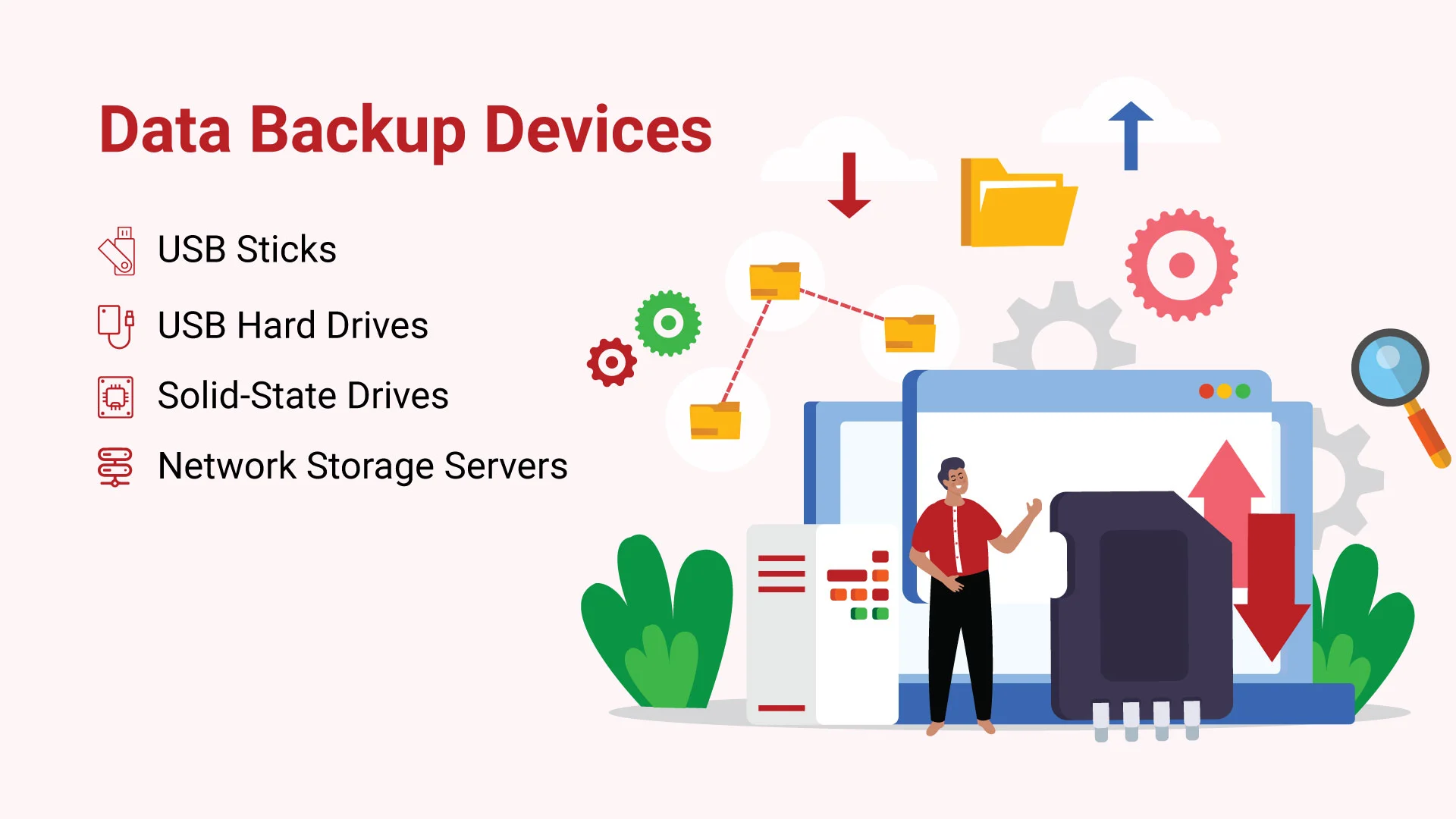
Techno Advantage identifies four data backup devices for small business: USB sticks, USB hard drives, solid-state drives, and network storage servers. Locally attached devices support backups on a single computer, while network storage servers centralize backup storage for a business across a local-area network.
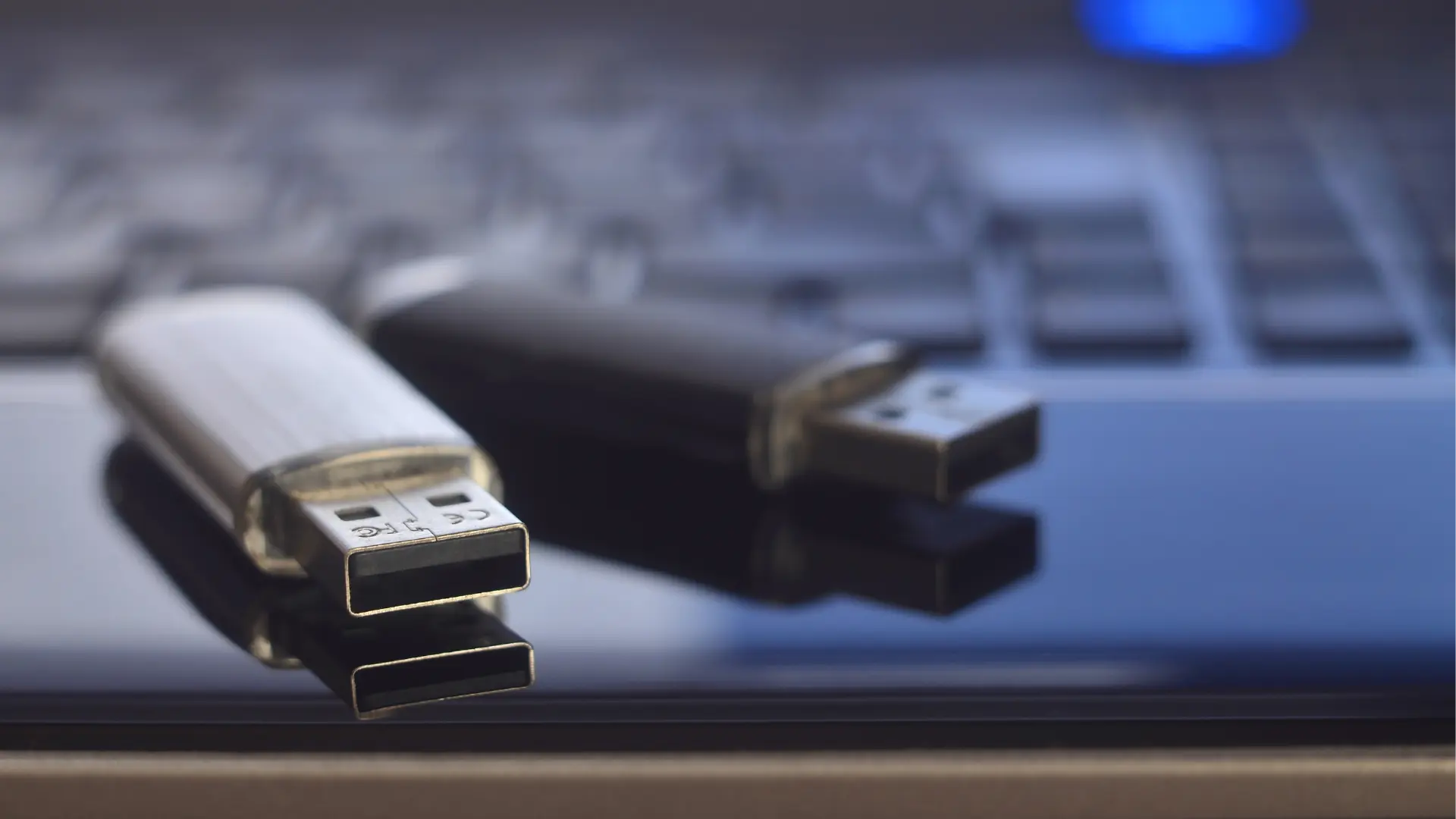
1. USB Sticks
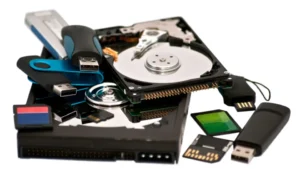
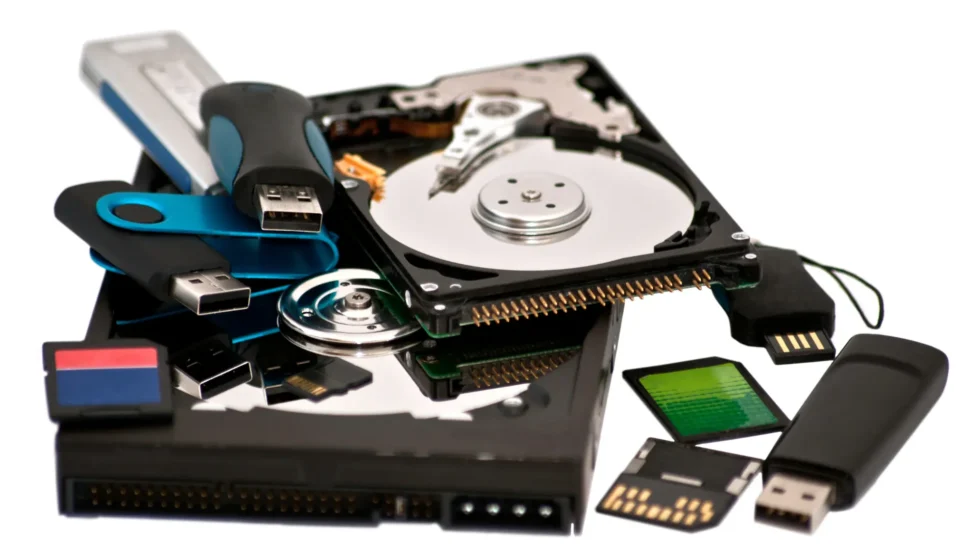
USB sticks are compact, low-cost devices for backing up a single computer, while USB hard drives provide more storage for the buck when a USB stick is not large enough. USB 3.0 is backward-compatible with USB 2.0 computers and has a stated transfer rate of 5 Gbits per second.
It only costs a little bit more, so you might as well go with 3.0 drives. USB 3.0 promises a transfer rate of 5 Gbits per second, compared to 480 Mbits for USB 2.0. Not all USB sticks are created equal, and you want to stick with the best brands: SanDisk, Verbatim, Kingston, Lexar, and Corsair are all reliable and sturdy.
2. USB Hard Drives
Use a USB hard drive when a USB stick is not large enough and when a single computer needs more storage for the buck. Portable USB hard drives have built-in USB ports and USB 3.0, and many models include backup and recovery software, encryption, automatic backups, or a cloud backup option.
Pricing ranges from $60 to $120.
3. Solid-state Drives
A solid-state drive (also known as a solid-state disk or electronic disk, though it contains no actual disk, nor a drive motor to spin a disk) is a data storage device that uses integrated circuit assemblies as memory to store data persistently.
SSD is a durable, small, fast backup device with low power requirements, but it costs more than a hard drive. An SSD is suited to backups where a speed boost is worth the additional cost, including system files and multimedia production.
4. Network Storage Servers
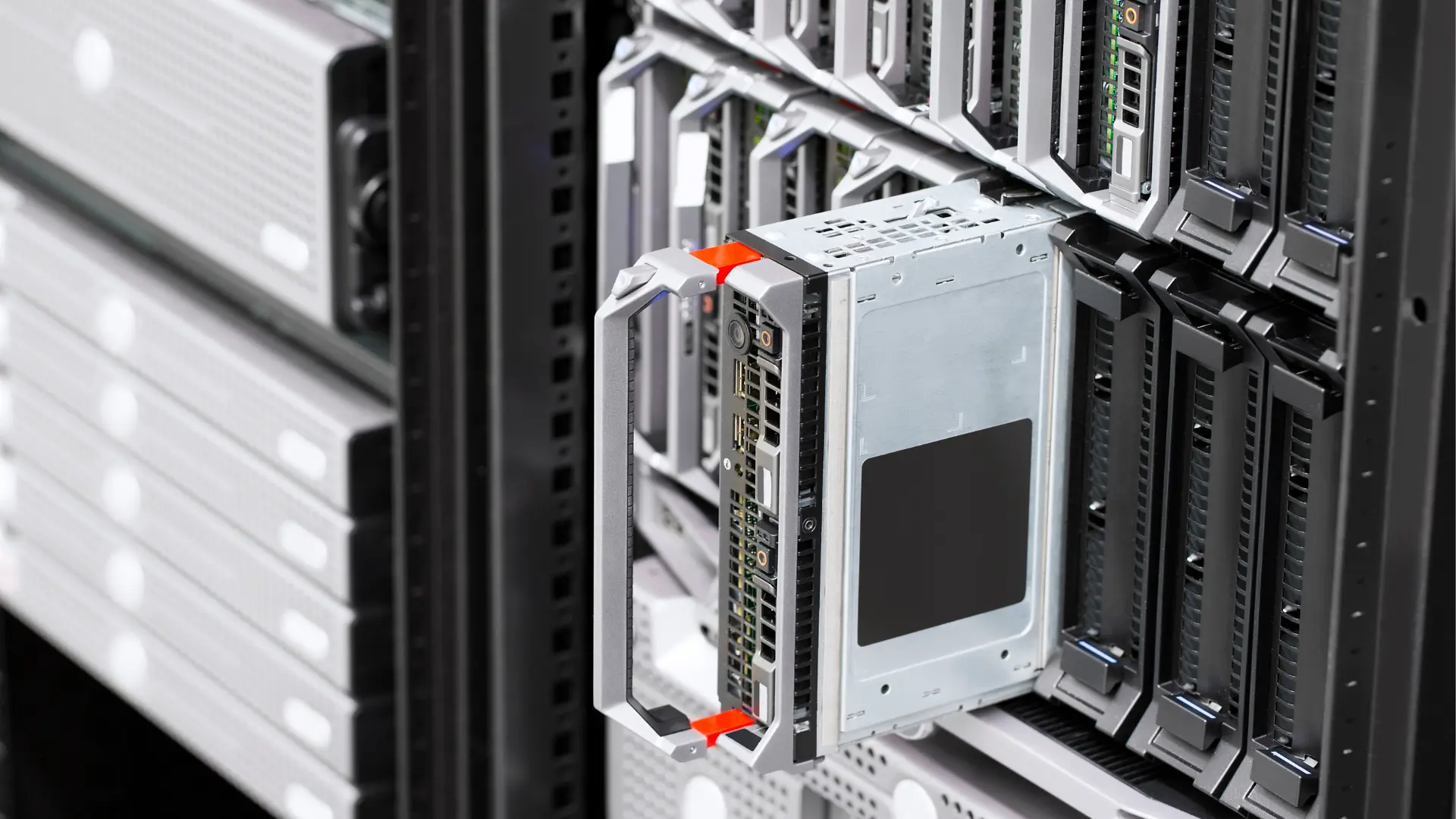
Network-attached storage (NAS) is a dedicated file-storage device that gives LAN users centralized, consolidated disk storage through Ethernet. A NAS can be used only for backups or also for file-sharing and multimedia streaming, and it can add storage to an existing network without shutting down servers for maintenance or upgrades.
It will set you back $1,295 for 4TB of storage, and up to $1,895 for 16TB. These extra-rugged drives run cooler, and they’re optimized for network storage.
Want to expand your knowledge? We recommend this article for a new viewpoint.
Comparison Table — Which One Should You Use
| Solution | Primary Role | Speed (Restore) | Cost Model | Off-Site | Best Use Case |
| Cloud Backup | Off-site DR + versioning | Medium (depends on bandwidth) | Subscription | Yes | Laptop/server protection & ransomware safety |
| NAS | Fast local recovery | High (LAN) | Hardware + drives | No (by itself) | Centralized backups for 5–50 users |
| External HDD | Cheap capacity + offline | Medium | One-time | If rotated off-site | Budget-friendly secondary copy |
| External SSD | Fast endpoint/image backups | High | One-time | No | Rapid device replacement/restoration |
Choosing the Right Backup Device for Your Business
Now that we’ve explored the different options, you should know that Techno Advantage offers a backup software option.
We have found that the pre-installed software on these types of devices is usually a watered-down or freebie version that will not deliver the results you hope for in the event that a recovery is needed. Need help deciding which devices and software are right for your business? Contact a Techno Pro today!